


Let’s be honest: most of us just open whatever delivery app happens to be first on our home screen, hit order, and hope for the best.
And half the time, it’s fine. But every once in a while, you end up waiting an hour for a cold sandwich, paying a $12 delivery fee on a $15 taco, or trying to pass your phone around a living room of six hungry people who can’t agree on dinner.
The truth is, not all food apps are built for the same job. One might be great for a fast, cheap solo meal, while another shines when you need to order catering for an office lunch or pull off a nice date night at home.
If you want to stop overpaying and start getting your food on time, here is how to match the app to the situation.
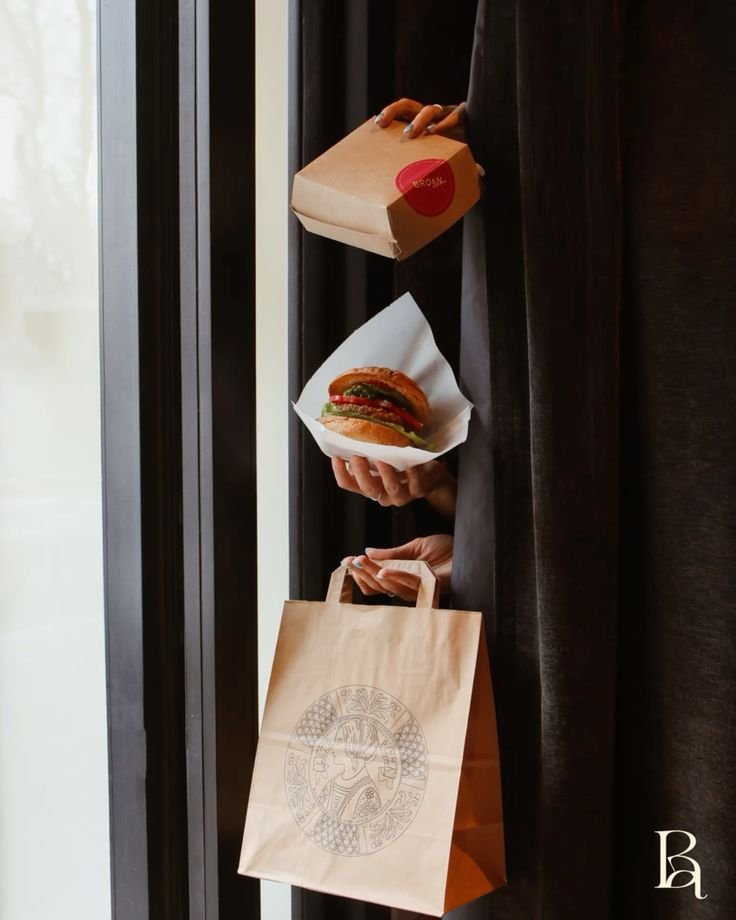
1. Quick Solo Dinners: Go for Speed over Selection
When you get home late, tired, and just want food on your coffee table as fast as possible, your only priorities are driver availability and low fees.
This is where major players like Uber Eats or DoorDash win simply because they have the most drivers on the road at any given minute.
- How to play it: Filter restaurants by delivery time, not by star rating. A 4.2-star diner five blocks away will land at your door hot and fresh in twenty minutes, while a 4.9-star spot across town will spend forty-five minutes sweating inside a driver’s thermal bag.
- Watch out for fees: If you’re ordering for one, delivery fees and small-order surcharges can easily double your bill. Stick to spots labeled with low delivery fees or use app memberships if you order often.
2. Group Dinners with Friends: Use Group Ordering Features
Trying to take everyone’s order in a room full of four or five people is a nightmare. Someone always forgets to mention their sauce preference, someone else changes their mind three times, and you end up holding the bill for everyone.
For group hangouts, use apps that have a Group Order link feature (DoorDash and Grubhub both do this well).
- How it works: You start a cart, text a link to everyone in the room, and they add their own items directly from their own phones. You review the final list, hit checkout once, and you’re done.
- Pro tip: Look for platforms that let you “bundle” orders from two nearby places (like adding drinks from a boba shop onto a pizza order) without charging you two full delivery fees.
3. Date Night at Home: Stick to High-End Platforms
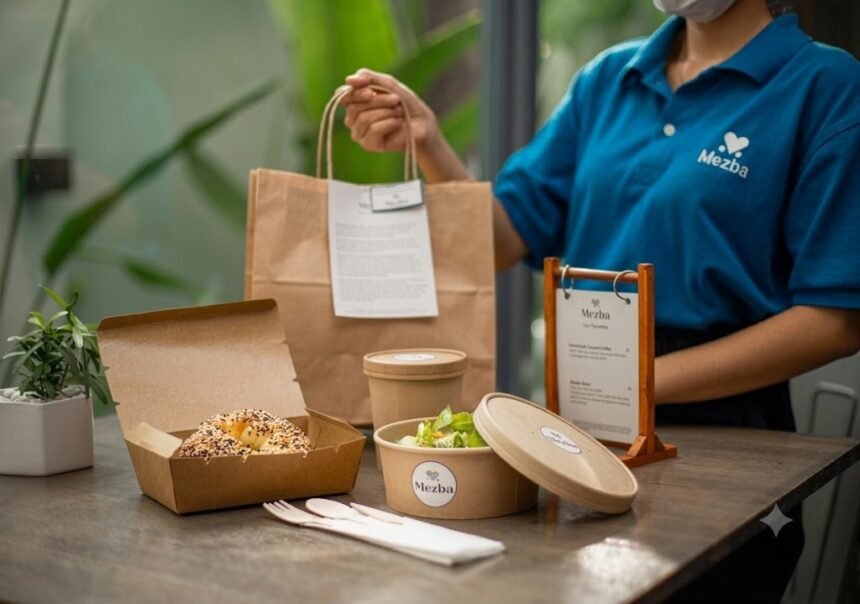
If you’re planning a cozy date night or celebrating something special, cheap fast-food apps aren’t going to cut it. You want places that actually know how to package high-end food so it doesn’t arrive looking like a mess.
Look toward apps like Caviar (or the upscale filter tags on main apps), which explicitly partner with higher-end, chef-driven restaurants.
- How to play it: Schedule the delivery an hour in advance instead of ordering on the fly. Upscale kitchens take longer to prep complex dishes, and pre-scheduling gives the app time to lock in a driver before the food is even done cooking.
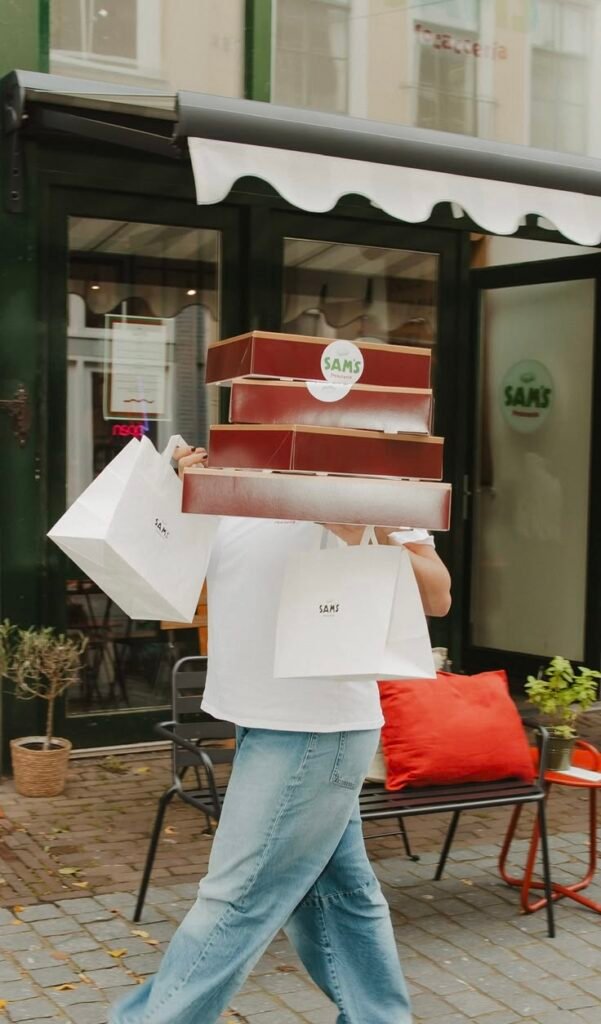
4. Office Lunches and Work Events: Dependability Is Everything
Ordering lunch for a team meeting or client presentation leaves zero room for error. If the food is thirty minutes late or missing three drinks, it makes you look bad.
Skip standard consumer apps for these and use corporate-focused services like ezCater or dedicated business tiers on Grubhub.
- Why it matters: These services specialize in large-format catering pans, boxed lunches, and hard delivery windows. Plus, they send itemized, expense-ready receipts straight to your email so you aren’t stuck piecing together screenshots for accounting later.
- Pro tip: Always set the requested delivery time for 15 minutes before your meeting actually starts. It gives you a buffer for traffic and gives you time to set everything out.
5. Late-Night Cravings: Look for Local Driver Density
When hunger hits at 1:00 AM, standard restaurant options dry up fast, and driver availability plummets.
In late-night scenarios, convenience-centric apps like Gopuff or apps tied directly into 24-hour ghost kitchens and convenience stores usually perform way better than trying to order from a distant diner. They operate out of central local hubs, meaning shorter drive times and fewer cancelled orders.
The Takeaway
There is no single “best” food app—there’s only the right app for what you need right now. Keep two or three options on your phone, pick the one designed for your specific situation, and you’ll end up with better food, fewer extra fees, and way less frustration.