


In today’s digital world, designing your dream home no longer requires professional expertise or expensive software. With platforms like Homestyler, anyone—from beginners to professional interior designers—can create stunning home layouts and realistic 3D visualizations right from their browser.
Whether you’re renovating a single room or planning an entire house, Homestyler offers a powerful yet user-friendly solution to bring your ideas to life.
What is Homestyler?
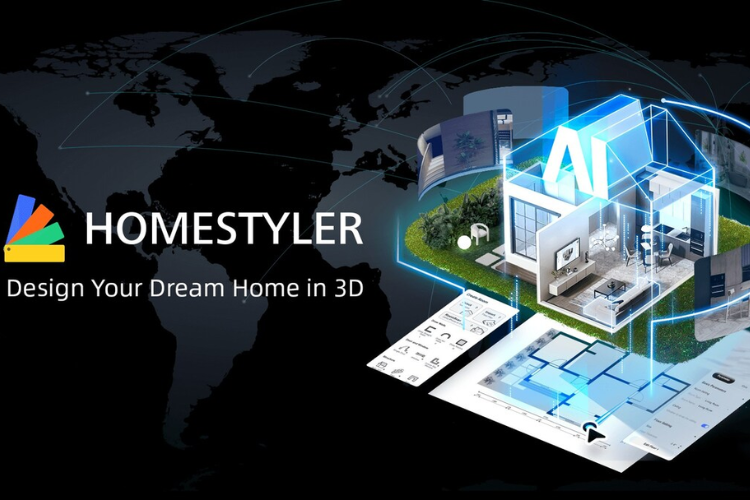
Homestyler is a web-based interior design and floor planning tool that allows users to create 2D layouts and transform them into immersive 3D designs. Originally developed with roots in professional design tools, it has evolved into a widely accessible platform used by millions worldwide.
It combines AI-powered features, a massive furniture library, and cloud rendering to make home design both simple and visually impressive.
Key Features of Homestyler
1. Easy 2D to 3D Floor Planning
Start by sketching your floor plan in 2D, and Homestyler automatically converts it into a 3D model. This seamless transition helps users visualize spaces more effectively.

2. Massive Furniture & Decor Library
With access to thousands of real-world furniture models and decor items, users can experiment with styles and layouts effortlessly.
3. Drag-and-Drop Interface
The platform’s intuitive drag-and-drop system makes designing simple—even for beginners. You can place furniture, adjust layouts, and customize interiors in just a few clicks.
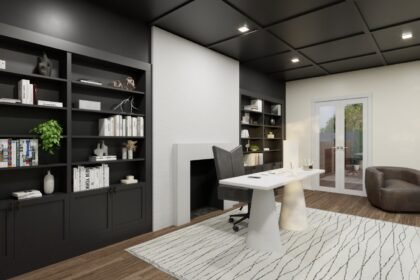
4. High-Quality 3D Rendering
Homestyler uses cloud-based rendering to produce realistic images, panoramas, and even virtual tours of your designs.
5. AI-Powered Design Tools
From automatic room decoration to smart layout suggestions, AI features help speed up the design process and inspire creativity.
6. Templates & Design Inspiration
With hundreds of pre-designed templates and trending styles like modern, minimalist, and Japandi, users can kickstart their projects quickly.
Pros and Cons

Pros
- Beginner-friendly interface
- Extensive 3D model library
- Free plan available
- Realistic rendering and visualization
- Works directly in a web browser
Cons
- Some advanced features require payment
- Can be slightly complex for first-time users
- Best performance on specific browsers like Chrome
Who Should Use Homestyler?
Homestyler is ideal for:
- Homeowners planning renovations or redecorations
- Interior design enthusiasts exploring creative ideas
- Students and beginners learning design concepts
- Professionals needing quick visual presentations
Its flexibility makes it suitable for both casual users and those working on more advanced design projects.
Why Choose Homestyler?
Homestyler stands out because it combines ease of use with professional-grade features. Unlike traditional design software that requires installation and training, it runs entirely online and simplifies complex tasks like rendering and modeling.
It also saves time by allowing instant visualization—no more guessing how a room will look after changes.