




We’ve all done it: clicked on an article or landing page, seen a massive, unbroken wall of tiny text, and immediately hit the back button.
In a world where everyone is skimming, scrolling, and multi-tasking, text alone just isn’t enough to hold anyone’s attention. Whether you’re writing a blog post, launching a social media campaign, or updating your website, the images and videos you choose do heavy lifting long before anyone actually reads your first sentence.
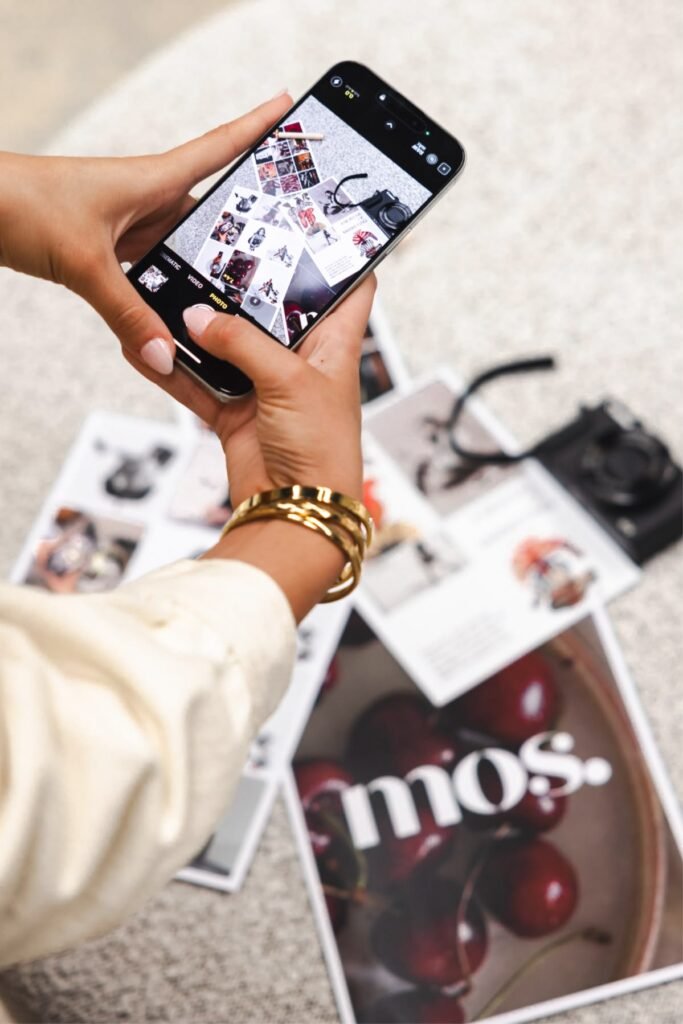
If you want people to stay on your page, share your posts, and actually buy what you’re selling, your visual strategy matters just as much as your copy. Here is why high-quality visuals make such a huge difference—and how to use them effectively.
People See Your Brand Before They Read It
The human brain processes visual information in a fraction of a second. Long before a reader assesses your tone or evaluates your arguments, they make a split-second judgment about your site based entirely on how it looks.
When a page is packed with crisp photography, custom graphics, or short video clips, it instantly feels polished and trustworthy. On the flip side, generic, low-resolution images or obvious, cheesy stock photos can make even the best-written article feel lazy or outdated.
Great visuals act like natural breathing room. They break up dense paragraphs, guide the reader’s eye down the page, and make complex ideas much easier to digest.
3 Ways Better Images Directly Improve Your Results
1. They Keep People on Your Page Longer (Which Helps SEO)
Search engines pay close attention to how long visitors stick around after clicking a link. If someone leaves your site after five seconds, search algorithms assume your content wasn’t helpful.
Adding relevant diagrams, screenshots, or high-quality photos keeps people scrolling longer, which signals to search engines that your page is worth ranking. Plus, when you optimize your image file names and alt text with descriptive keywords, your visuals can show up in image search results, bringing in a whole extra stream of organic traffic.
2. They Stop the Social Media Scroll
Social media feeds move fast, and generic graphics simply get ignored.
If you want people to stop scrolling on LinkedIn, Instagram, or X, you need visuals that grab attention instantly. Bold imagery, custom carousel slides, and short video hooks drive significantly higher click-through rates than plain text links or overused templates ever will.
3. They Build Instant Credibility
If you are asking customers to trust you with their money or time, poor visual presentation creates immediate friction.
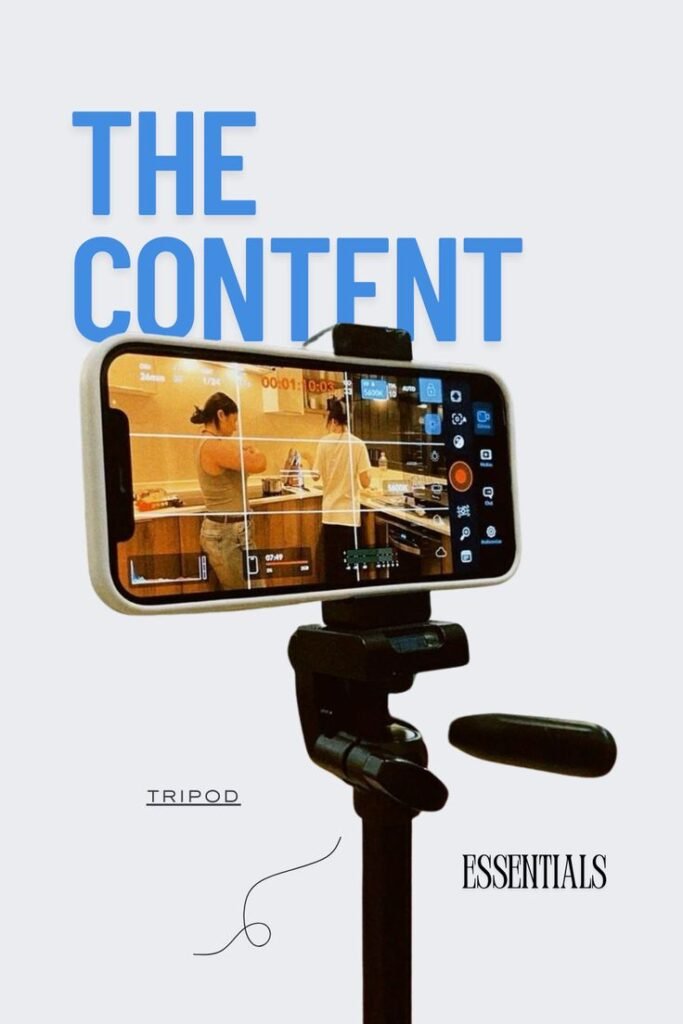
Clean product shots, clear infographics, and thoughtfully selected images show that you care about quality and attention to detail. When your brand looks professional and cohesive across every touchpoint, visitors feel far more comfortable taking the next step—whether that’s signing up for a newsletter or making a purchase.
How to Match Visuals to Your Content
Different channels require different visual approaches to get results:
- For Blogs & Guides: Use annotated screenshots, clean charts, and simple diagrams to break up long text blocks and clarify tricky concepts.
- For Product Pages: Rely on high-resolution photo angles, 360-degree views, or short video demos that show the item in action.
- For Social Media: Focus on bold graphics, candid behind-the-scenes photos, and short vertical videos designed specifically for phone screens.
The Takeaway
Your words carry your message, but your visuals determine whether anyone stops long enough to read them. Investing in high-quality, thoughtful imagery isn’t just about making things look pretty—it’s one of the simplest, most effective ways to make your content work harder for your business.